Product
One inbox for every LinkedIn conversation
Last updated
Spurly's inbox puts every LinkedIn conversation in one place, so replies to your campaigns never get lost between tabs. You read, reply, react and send files from the same screen where you run your outreach.
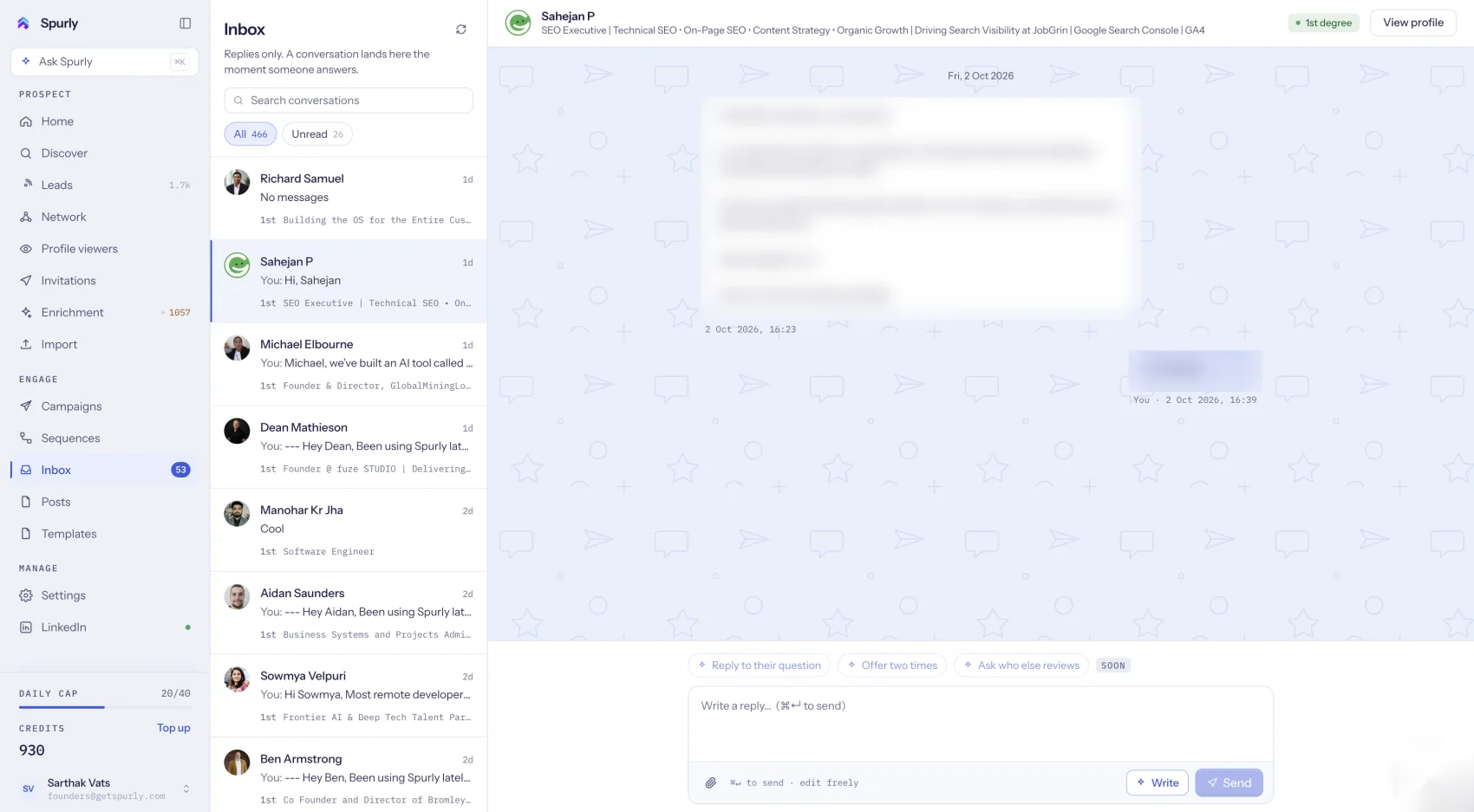
All your conversations in one list
Your LinkedIn conversations appear in a two-pane inbox: the list of conversations on one side and the thread on the other. Replies to messages sent by your campaigns and sequences land here alongside every other conversation, so there is one place to check instead of several.
Reply, react and send files
Reply to any conversation, react to a message, and send or receive files and PDFs without leaving Spurly. You answer from the inbox as you would on LinkedIn, with the context of the campaign that started the conversation close by.
New messages as they arrive
Spurly receives new messages on its servers as they arrive, so you do not have to refresh or keep a LinkedIn tab open to see them.
Replies stop your sequences
When someone answers a sequence message, Spurly stops the sequence for that person. You never have an automated follow-up land in the middle of a real conversation. The reply is in your inbox, ready for you.
What the inbox does not do
LinkedIn does not provide read receipts, so Spurly cannot show whether someone has read your message. The inbox shows your standard LinkedIn conversations.
How to start
- Connect your LinkedIn account once, through a secure connection.
- Open the inbox. Your conversations are there.
- Reply from Spurly. Send text, reactions or files.
Frequently asked questions
Does Spurly show read receipts?
No. LinkedIn does not provide read receipts, so Spurly cannot show whether someone has read your message.
Do new messages arrive when I am not in the app?
Yes. Spurly receives new messages on its servers as they arrive, so they are waiting in your inbox the next time you open it.
Can I send files and PDFs?
Yes. You can send and receive files and PDFs in a conversation.
What happens to a campaign when someone replies?
The sequence stops for that person, and the reply appears in your inbox for you to answer.
Try it yourself
Spurly runs your LinkedIn outreach for you — find the right people, connect, follow up and reply from one inbox. 7-day free trial, then $24.99/month.
Start 7-day free trialAdd a card (or UPI in India) to start your 7-day free trial. You won't be charged until day 8. Cancel anytime before then and you pay nothing.